Merchant-authorized read-only reporting
Configure and review this workflow inside the merchant’s Shopify app.
Marketing · Shopify app
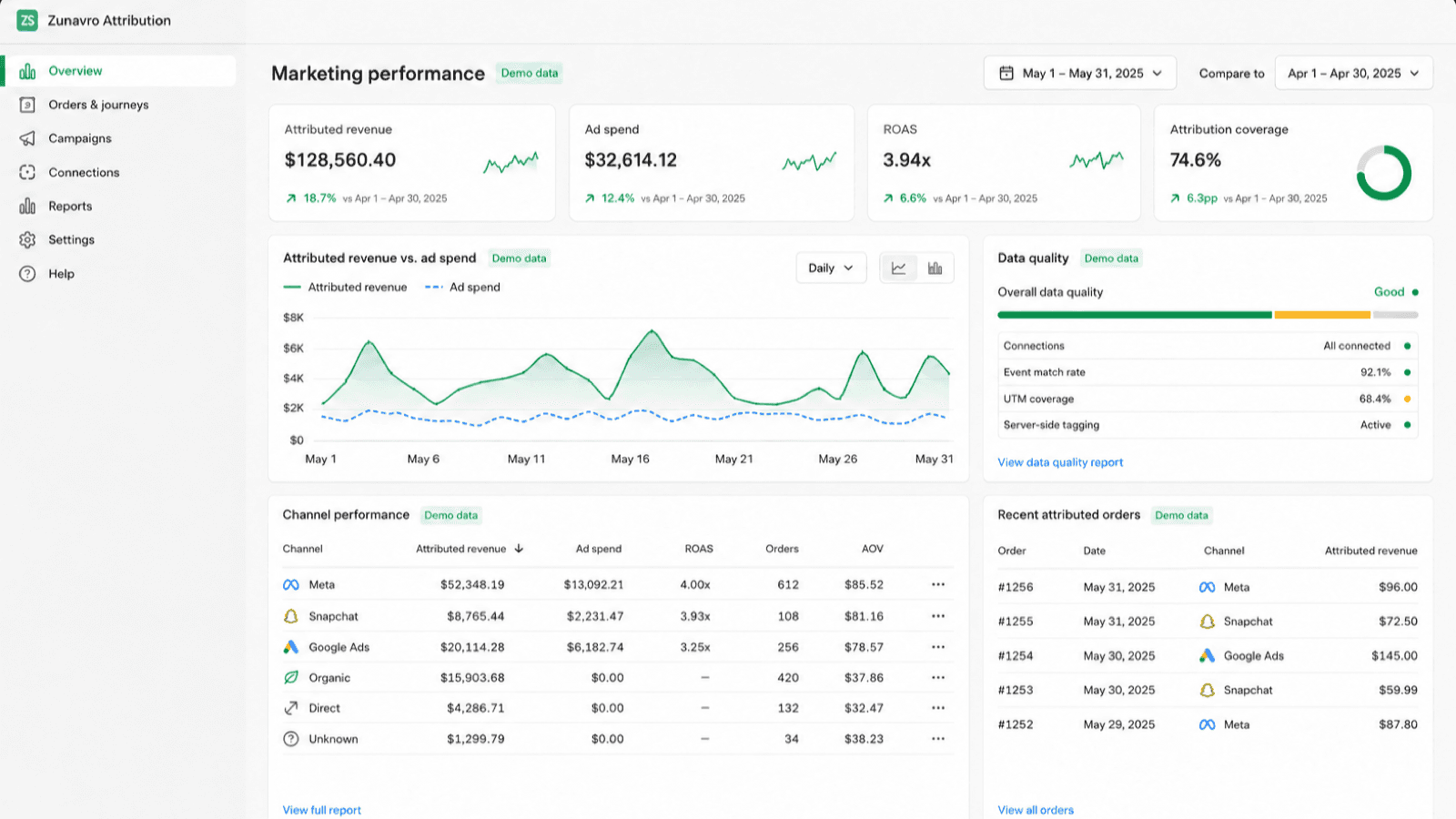
Understand marketing performance with merchant-authorized, read-only ad reporting.
Live product interface
Practical by design
Configure and review this workflow inside the merchant’s Shopify app.
Configure and review this workflow inside the merchant’s Shopify app.
Configure and review this workflow inside the merchant’s Shopify app.
Advertising platform connections
After a merchant authorizes an account, Zunavro Attribution reads selected account, campaign, ad group and ad identifiers together with reporting metrics such as spend, impressions, clicks and platform-reported conversions.
The app compares advertising reporting with privacy-safe Shopify storefront and order evidence so the merchant can review attribution and campaign performance in one place.
Connections are reporting-only. The app cannot create or edit campaigns, ads, audiences, bids or budgets. Merchants select the accounts to report and can disconnect at any time.
Review the verified listing and select Add app.
Review permissions and authorize only the connections you need.
Follow onboarding and validate results for your own workflow.
Current plans, pricing and installation are shown on the official Shopify App Store listing.
Open official listing →Yes. Use the official Shopify App Store listing linked on this page.
Merchant settings live inside Shopify. Connections are authorized by each merchant for the accounts they choose.
No. Advertising connections are used only for reporting and cannot edit campaigns, ads, audiences, bids or budgets.